
7 Steps To Develop A Simple One Page Website Or App With Svelte Or Similar JS Frameworks
A short post to clarify the process of basic site app creation such as a tool site. Not a full A.I. end-to-end only solution.

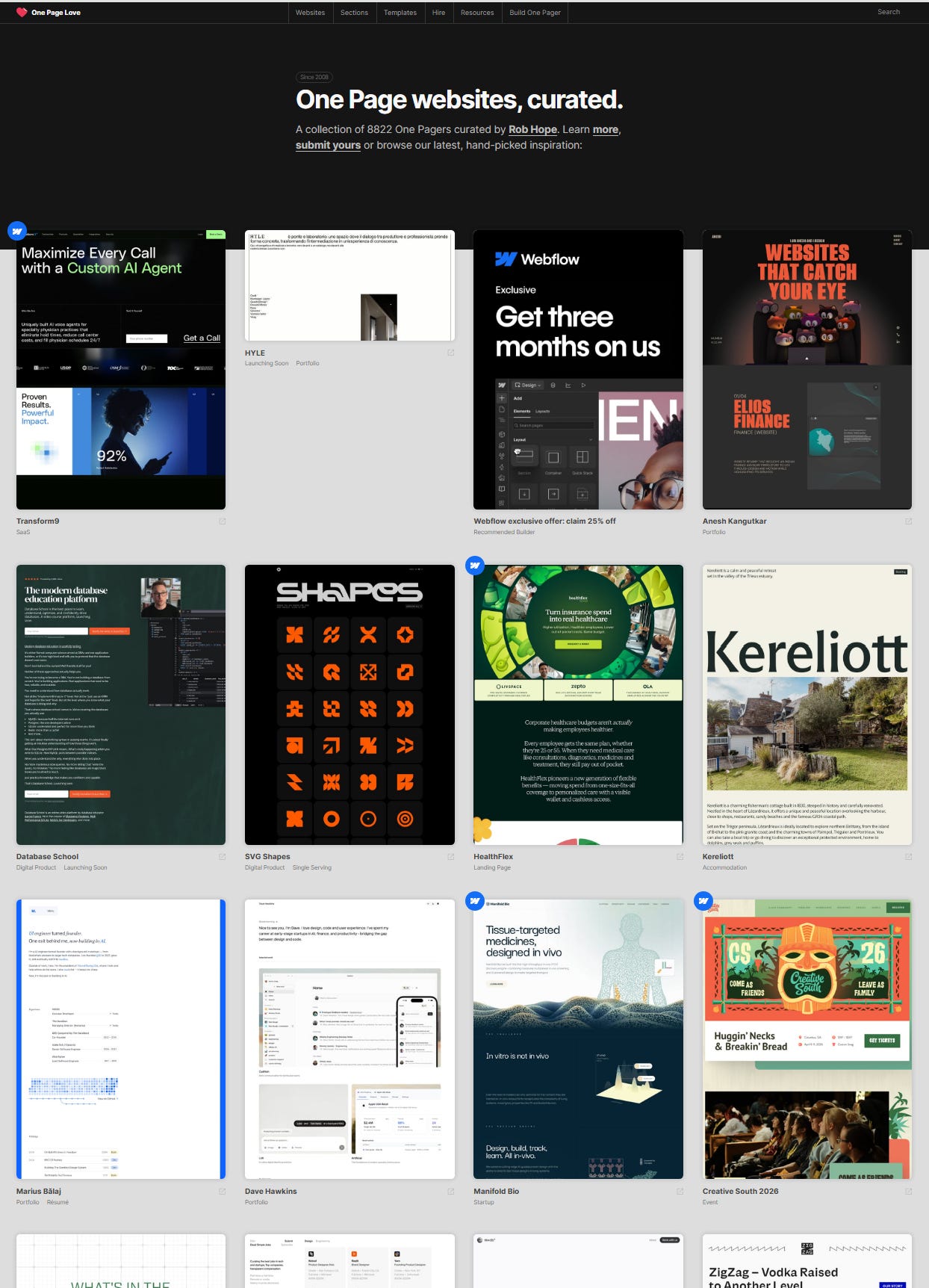
7 steps to get your one page app site up and running e.g. tools or SaaS (software as a service)
1. Get a running local development mode page up (e.g. localhost:5137), possibly with a template, with Svelte or any other framework you fancy.
2. Next get the essential basics of one function or two running first. Some may prefer to get the UI picture first to know what the process flow
3. If there are no issues with quality testing, proceed to make it look as good as you can. A good way to know how well is your site performing is to use the free Google Pagespeed
4. Upload the project to Github
5. Start a new project on Netlify (or any similar platform) and deploy your project there via Github
6. Get a good and short and preferably memorable domain name and connect it to Netlify.
7. Optional: Connect your main domain via Cloudflare. Redirect the Example.netlify.app subdomain to your main domain.
Note: If your site has little to no coding functions like a tool site, you may go the route of WordPress with Twentig customization for pure aestheticism.

Why simple one page websites?
One - this can be a stepping stone to more pages or larger projects or learning progress.
Two - do not underestimate the power and profitability in the usefulness and traffic of well-done One Page sites or apps. That said, how much one can earn from one page sites clearly depends on various factors, not just being there.
What is a good framework - why Svelte?
I recommend Svelte (free). It is what I did to come up with a simple site that serve one or few purposes. However, it is built on basic HTML/CSS/JS knowledge. With Svelte, one can make simple or more complex sites depending on one’s proficiency. It has good documentation, tutorial, and playground.
Another important reason for Svelte I find is good best practices and SEO. This is important because you do not want to invest time and effort into some framework only to find out that there are no work-arounds for good sitemap implementation - Yes, I ran into one such before.
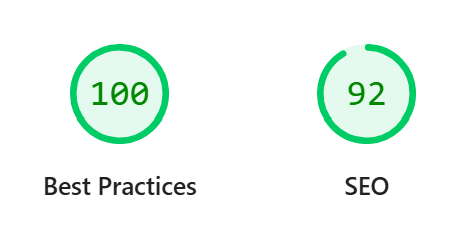
With Svelte or any decent framework, you can even manually submit pages with its own web address to Google console for indexing without a sitemap. This is fine if the site has only one or few pages anyway.

Why Netlify?
It is free with super generous limitations, at least for simple individual projects. Netlify allows commercial use as well unlike Vercel. It is very unlikely to hit their free limits for average users, and if you do just know that you can upgrade to their paid plans anytime - be SURE to monitor your usage costs then.
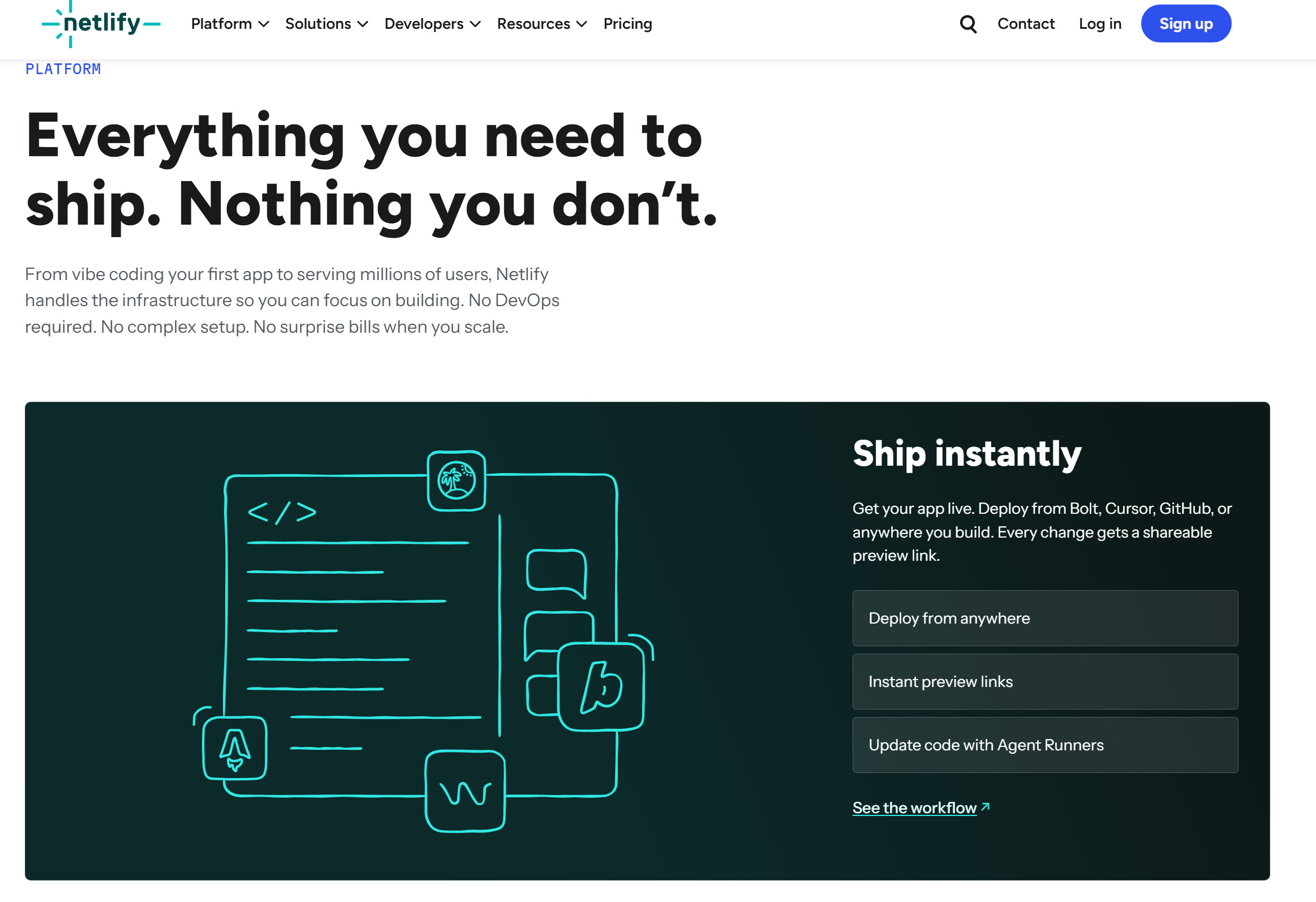
Bear in mind Netlify is more for static (or-semi) sites like Hugo and JS frameworks. Not for dynamic Python and WordPress. For WordPress, it is better to get an affordable hosting like Hostinger rather than free hosting.
Be wholesome (*^-^*)