Useful Editors For Writing Or Coding
Some are powerful or web-based. All free.

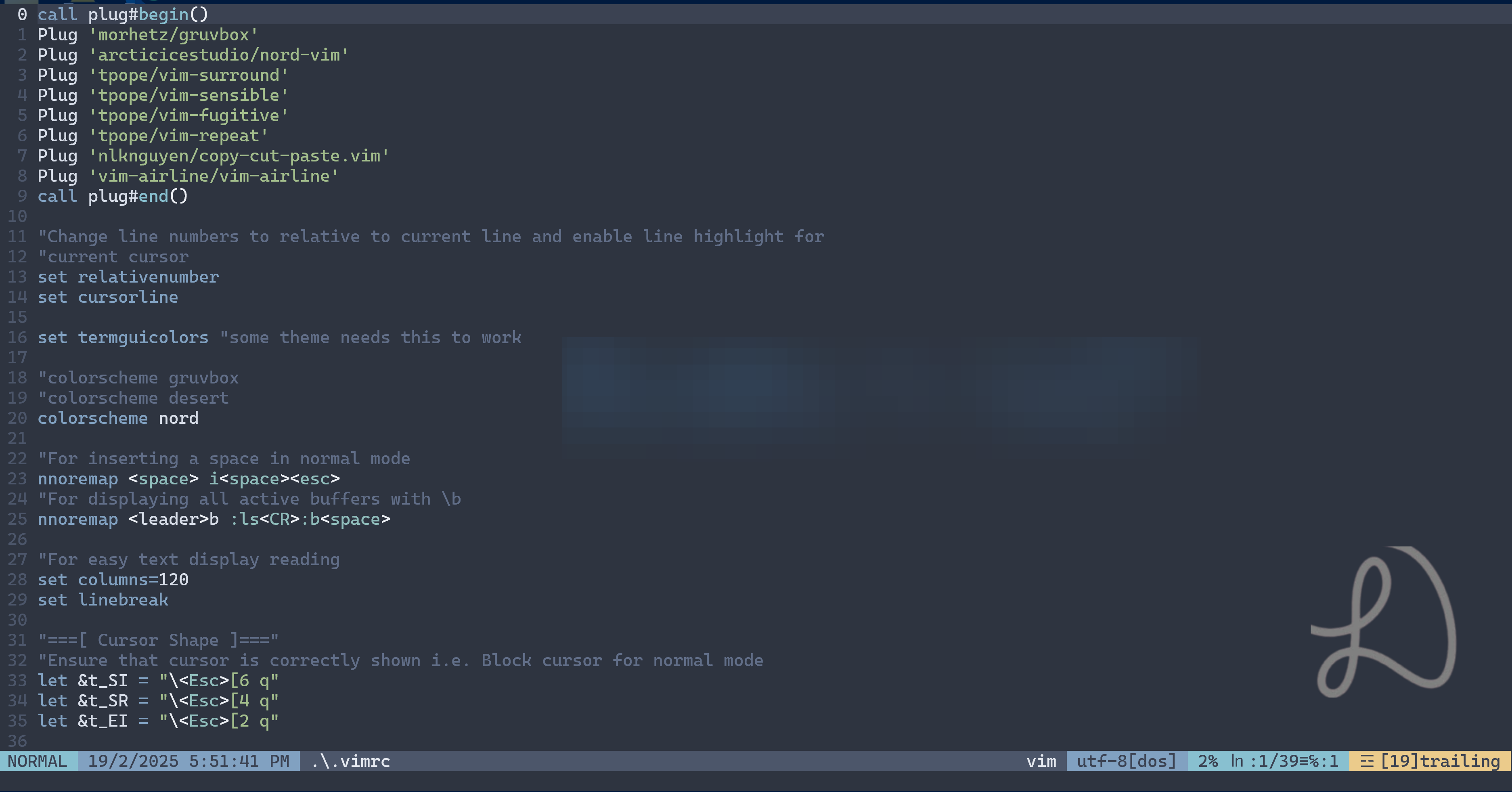
Vim
Text or code editors are essential to many fields of study and work. It can also set the mood for that. If you spend sometime typing and/or coding, this article may offer some value.
Top of the list for most admired at 82.7% for Neovim - Technology | 2024 Stack Overflow Developer Survey
Why Vim you ask?
Power
The shortcuts are as powerful as how much you can learn or apply. Understandably, some would argue why take days of learning just to shave off a few seconds editing files. The time and effort savings can increase massively when you edit or code a lot of files. What I am saying is that these seconds add up quickly the more time you spend on these edits, including less or even no mouse clicks required.
For example, consider the text “this is some long text”, in normal mode type ci”, it will delete everything inside the double quotes so you can start typing new text inside. Alternatively, we can just select the text inside with vi”. We can also use vi> or vi’ if the text is enclosed in those.
Once you are comfortable with vim editing, you can be quite, let’s just say, skillful or it can even be game-changing.
Robust, Fast, And Free
Vim is a small but very efficient text editor at heart, even with plugins and themes, it is still really fast. In terms of hardware performance, one would be hard pressed to find a better one with powerful commands. Vim is supported in cross-platform command lines and shells.
Vim Disadvantages
- Learning curve
- Installation may be challenging (Neovim)
Visual Studio Code (VSCode)
Top of the list for most desired (or used) at 58.7% for VSCode Technology | 2024 Stack Overflow Developer Survey
VSCode is a popular modern full-fledged Integrated Development Environment that is easy to install and ready to use with lots of extensions to play around with. There is even a virtual pet extension :-)
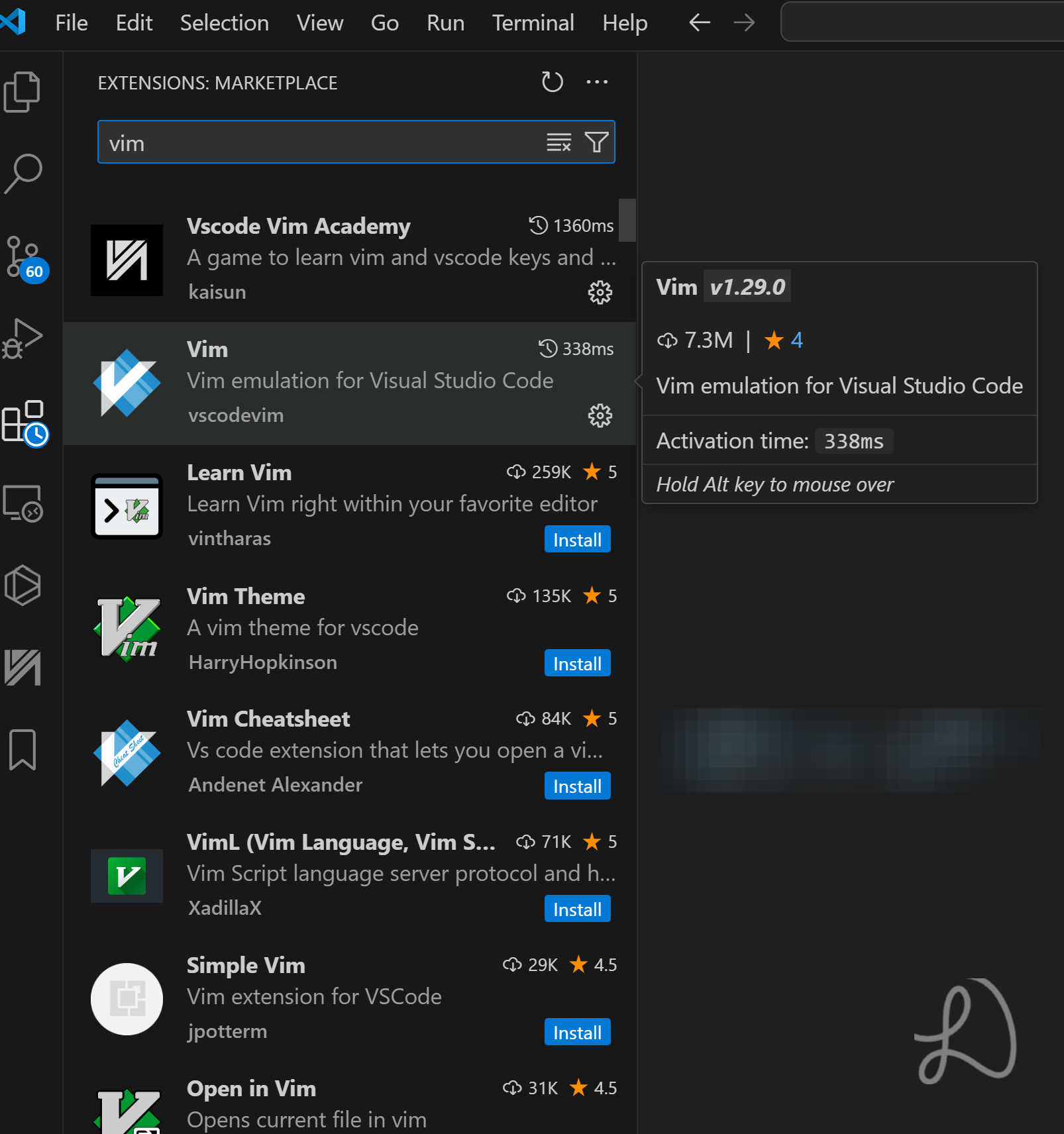
Did you know that VSCode has a Vim extension? Users can enjoy the common powerful shortcuts of Vim in VSCode as well, but limitations apply to no configuration of vim configuration file for customizations.
One particular feature I like about VSCode is the automatic activation of virtual environment every time you launch the project directory pages.
Unlike Vim or its variations, it consumes more resources.
Say you want to code some python files (which can be pretty short on number of code lines due to its nature), it can be done fast.
VSCode also has autocompletion (IntelliSense) enabled by default.
Google Keep / Google Docs
Google Keep is a simple note-taking web app and service. It is cross-platform and free.
The power of convenience
Unlike Vim or VSCode, it is not limited to just one desktop app or shell program. We can easily jot down notes or write in Google Keep anywhere with our mobiles or tablets before transferring it.
For example, some content is not to be if we forget about it or cannot take photos on the spot for keepsakes.
I am (hope) not a big fan of overly attachment to one or another. I think you get the idea why the convenience of writing or typing down can be a whole different game altogether.
With Google Keep, you can add images, drawing, labels, reminders, and backgrounds. Notes can also be pinned, collaborated and copied to Google Docs with two clicks.
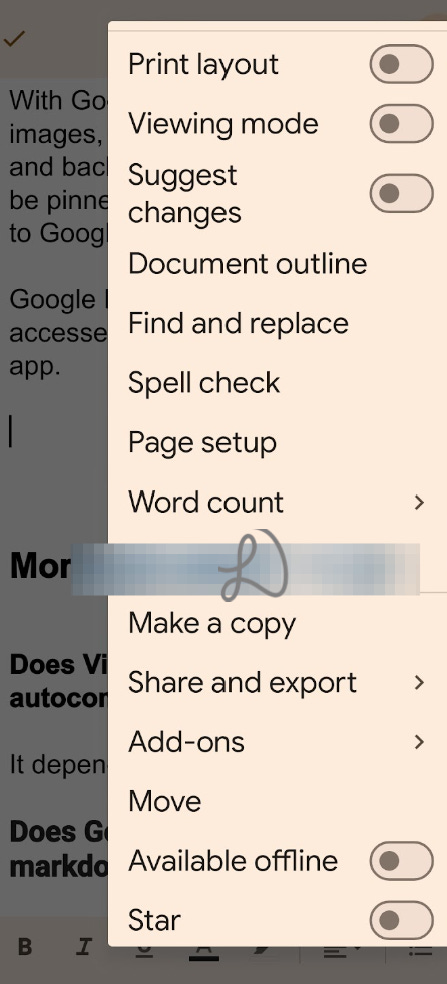
Google Docs can also be both accessed with the web and mobile app.
Summary
Vim is compact and powerful despite learning effort. It can be well worth it if and only if you use it a lot in my humble opinion. It can be a learn-once-use-it-for-life type of general editor.
VSCode is fine. There is some acceptable loading time. Like Vim, it can be used for both coding and writing without difficult setups or many editing steps to master.
Google Keep is on another playing field with portable usage ease. It can also open a note in Google Docs for lengthy articles. Having content on the cloud means we can access it easily without a local point of failure concern.
Do not fixate, just use whatever you feel most comfortable with. These are just personal suggestions or for what many people use or like.
Use the power of words and apps for a better world
(‾◡◝)
More
Does Vim have autocompletion?
It depends on the plugins installed.
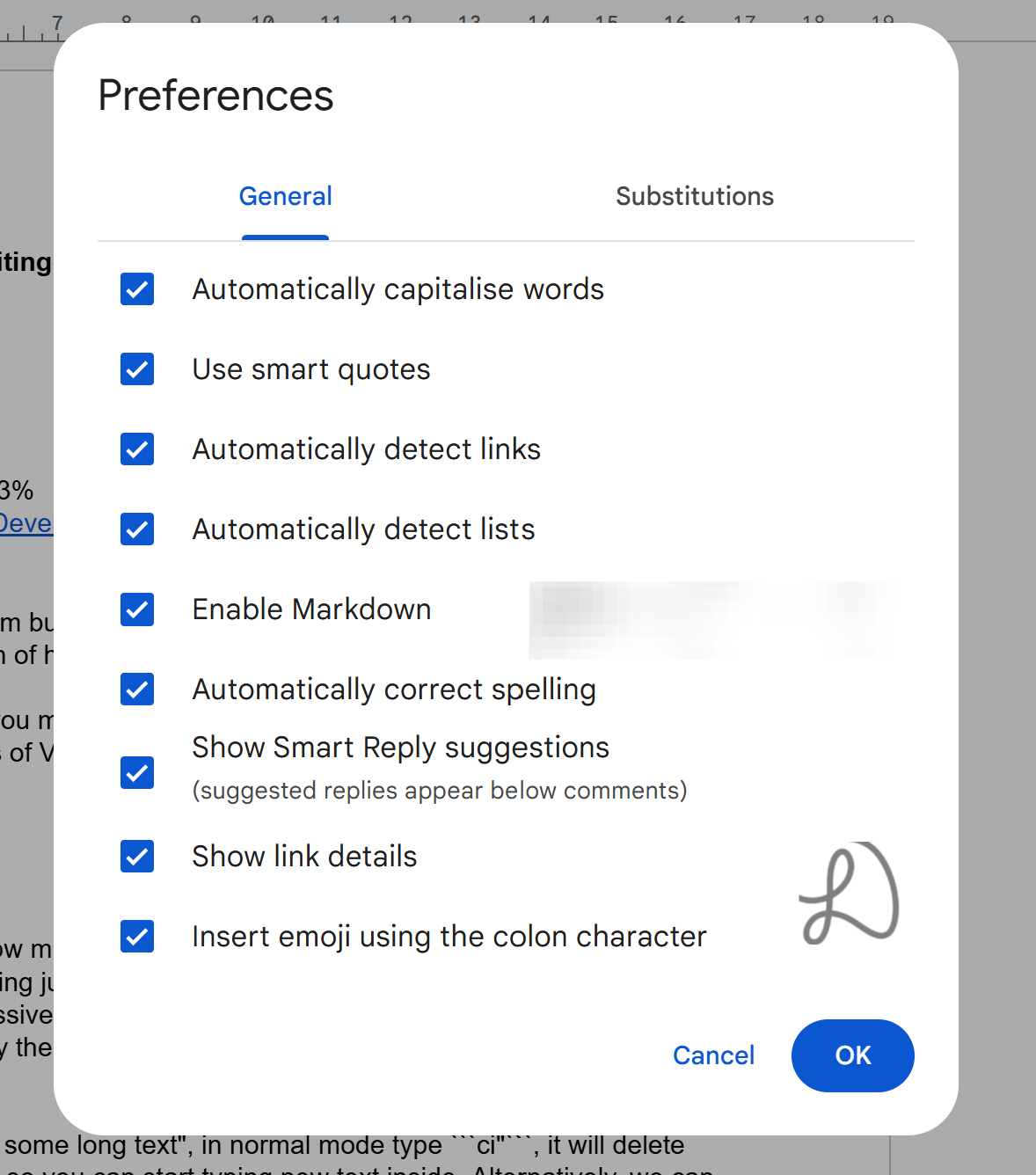
Does Google Docs have markdown support?
Yes. Go to menu -> Tools -> Preferences and tick enabled Markdown.
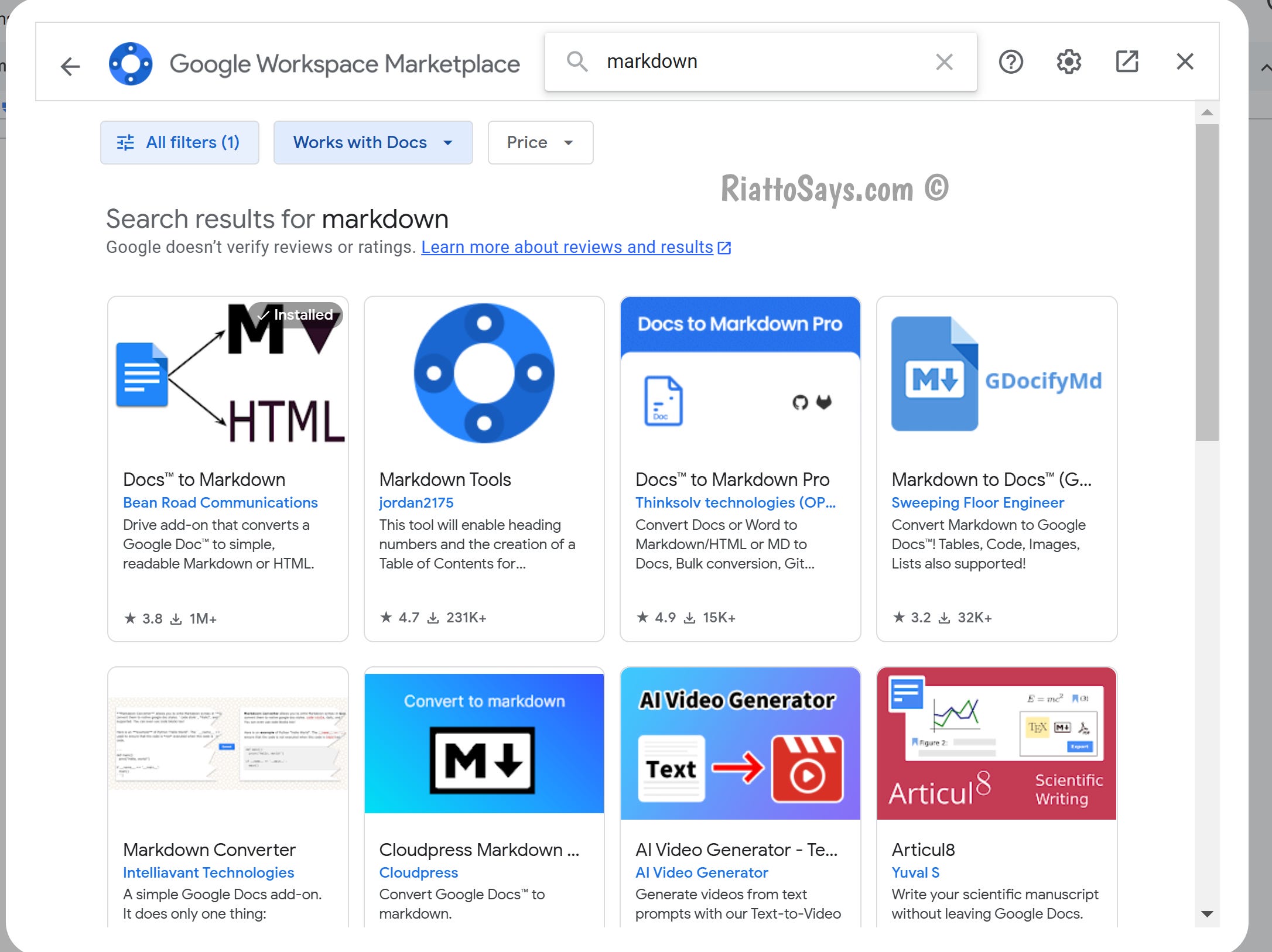
Alternatively, go to menu -> Extensions -> add-ons -> Get add-ons to search markdown.
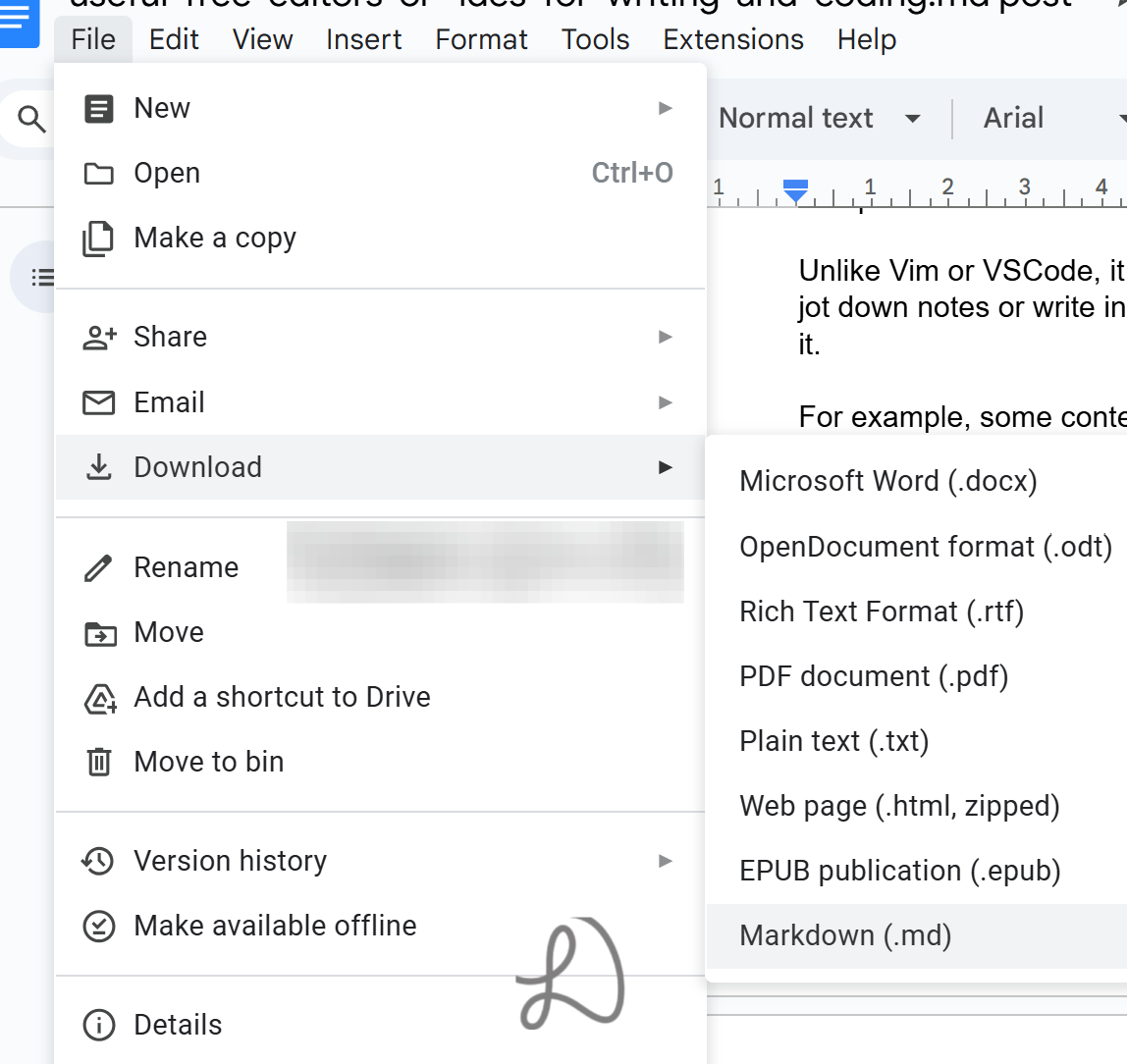
Get a copy of your document with menu -> File - Download - markdown.