An Easy way to run Linux on Windows (WSL)
Experience the power of Linux with ease on Windows without dual boot

Introduction and why WSL
It used to be a hassle to juggle between Linux and Windows. There are a few solutions e.g. VirtualBox and Dual boot. However, these are either bulky or only one boots at a time.
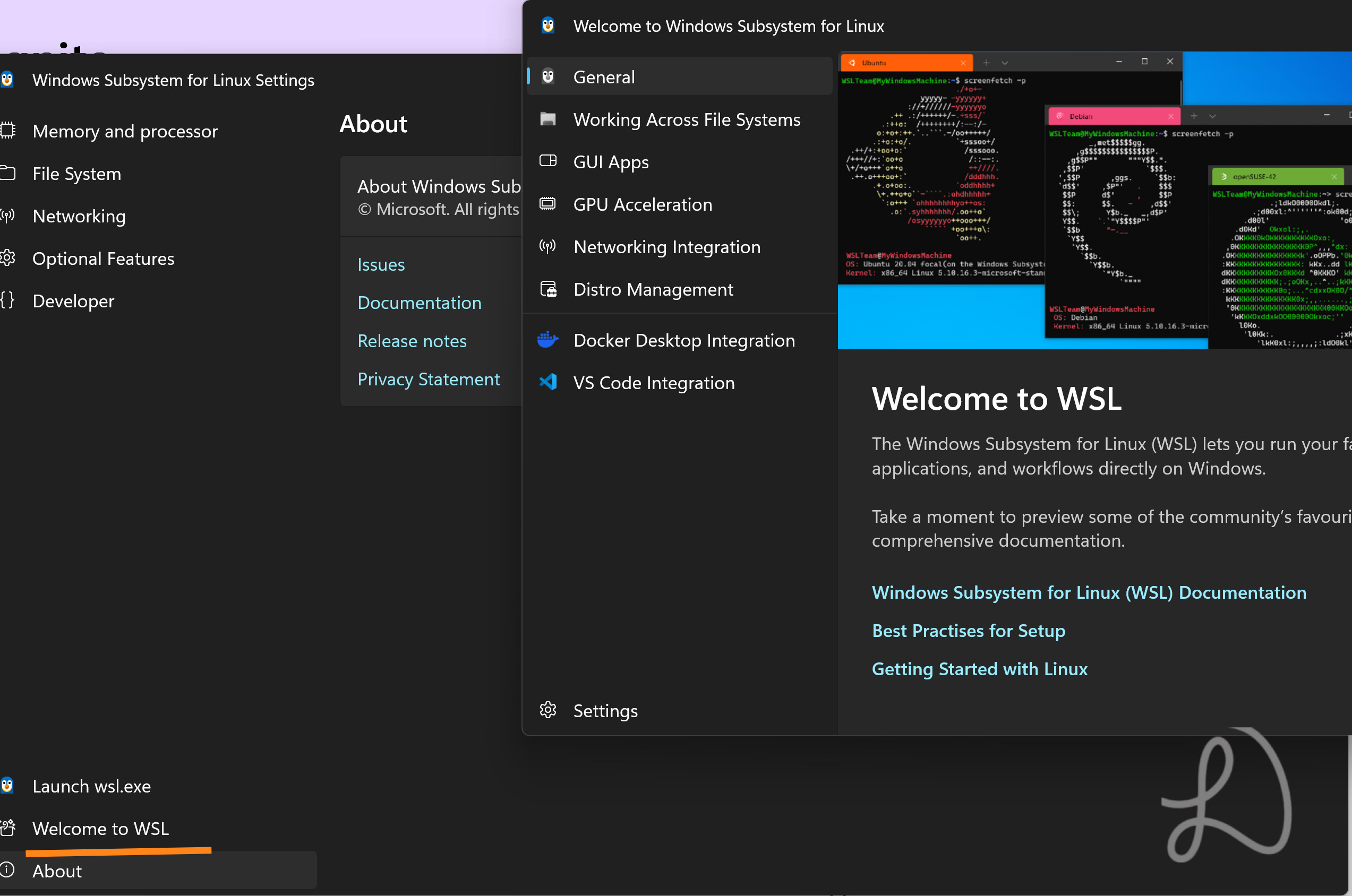
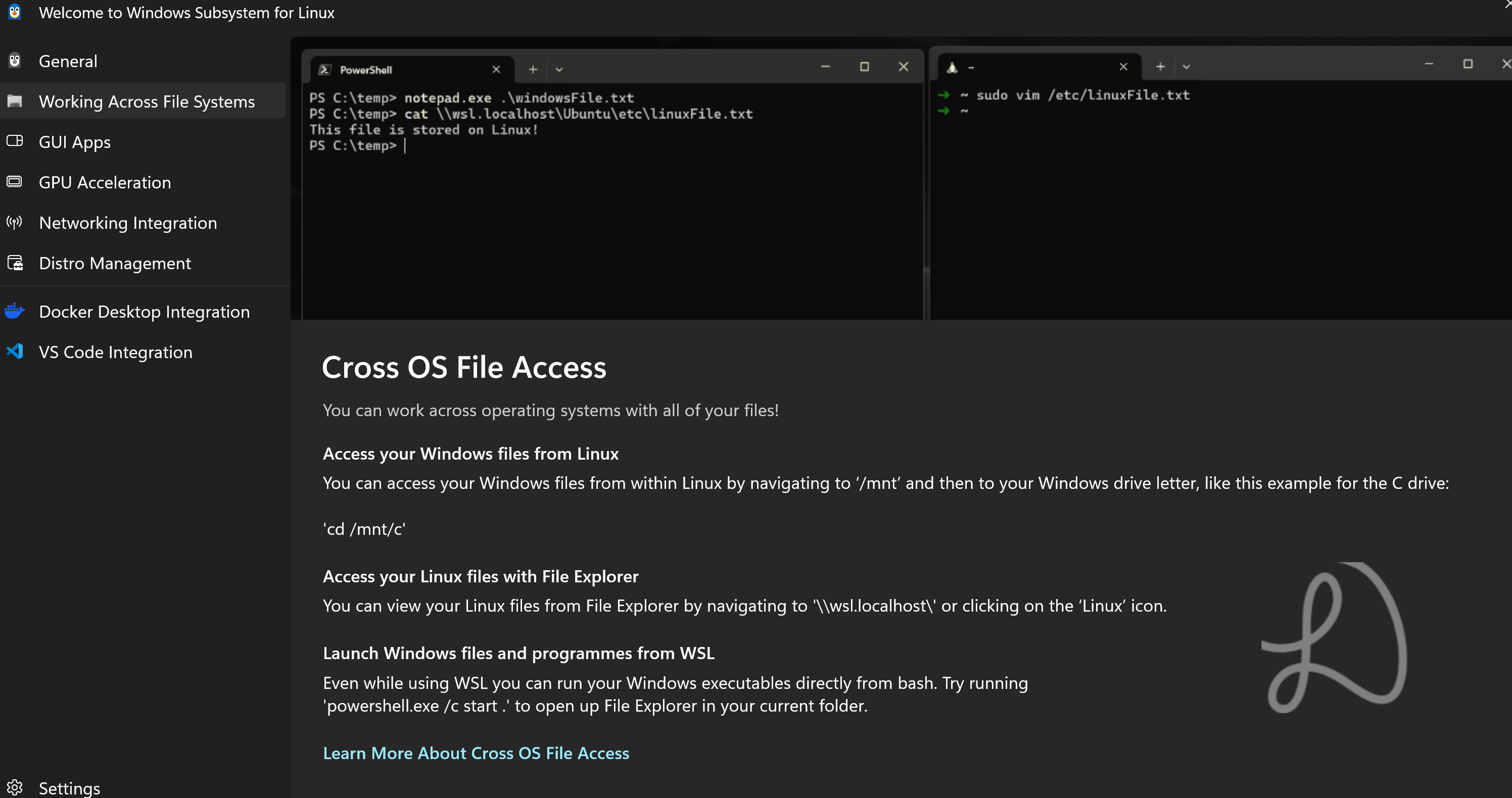
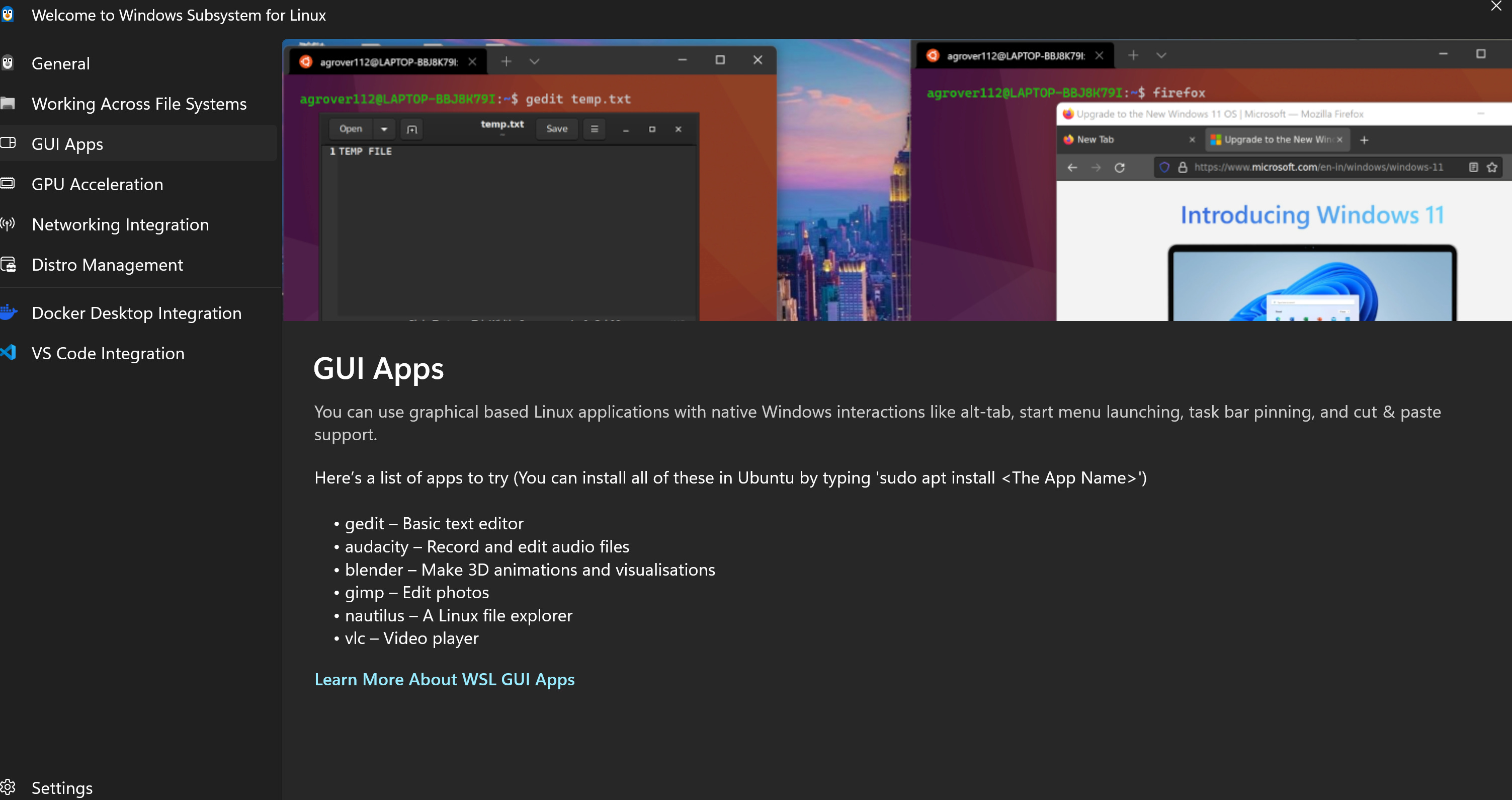
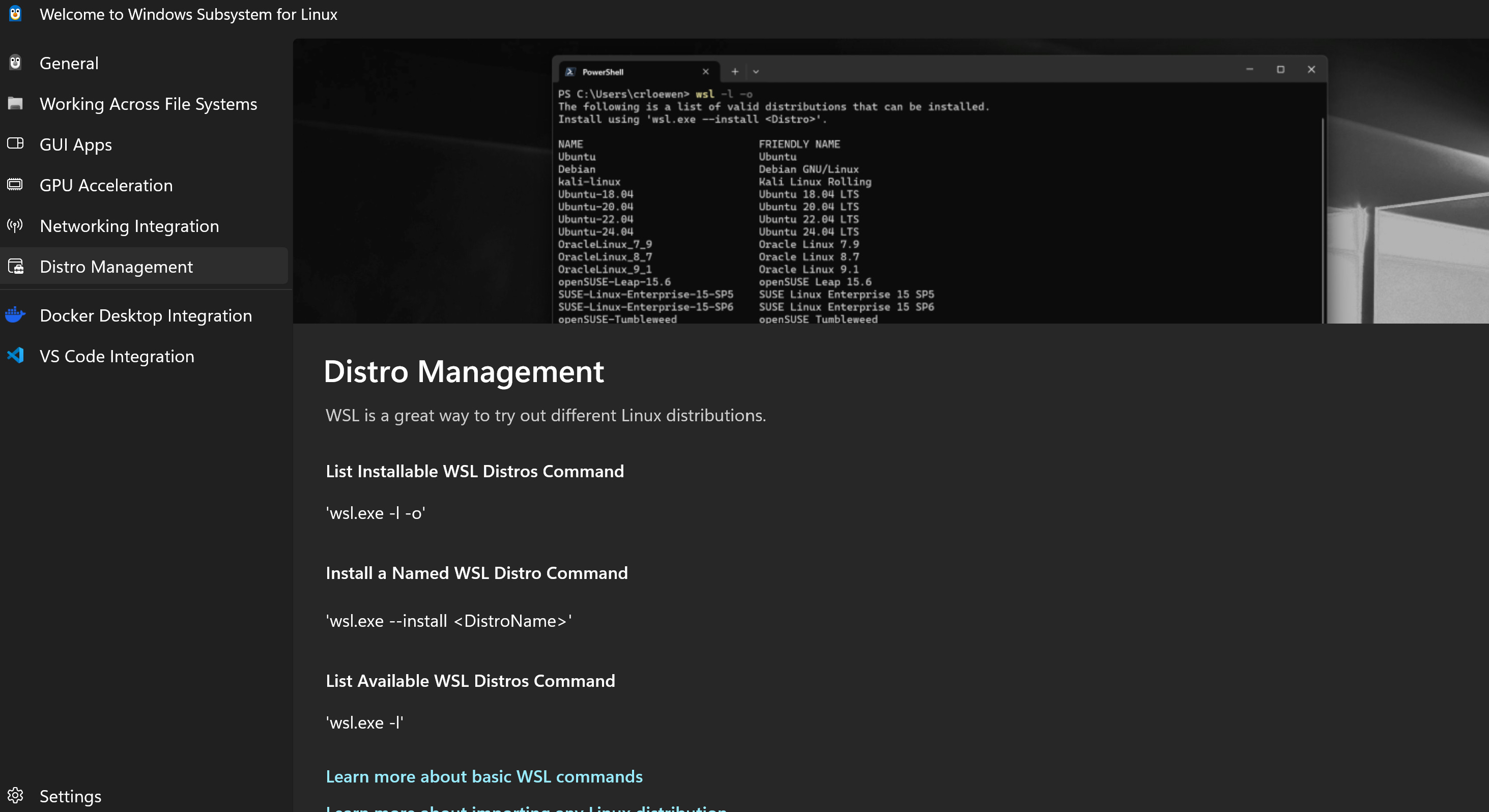
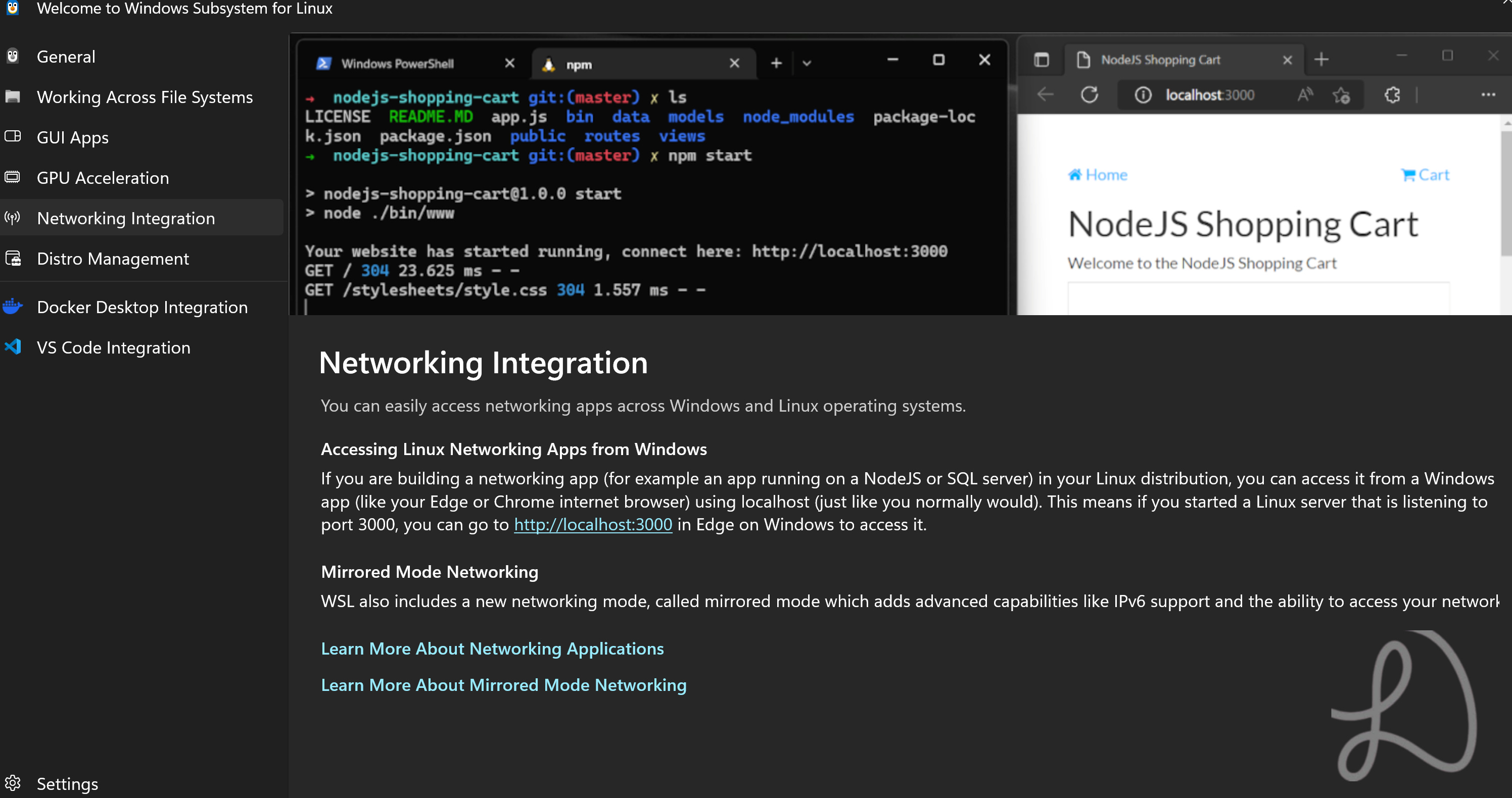
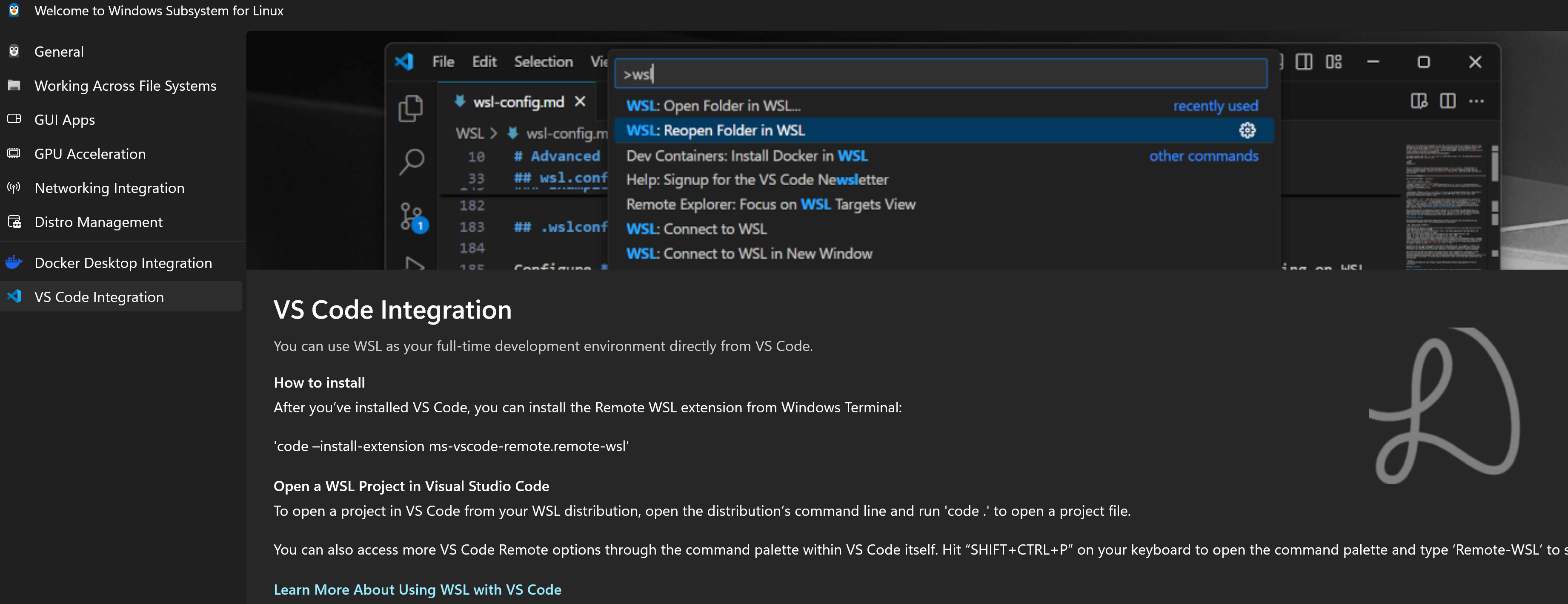
WSL has a welcome screen for beginners. Read under More below with screenshots.
Enter WSL - Windows Subsystem for Linux
Not only it is fast, it runs within Windows in a terminal.
There are only a few common Linux distribution base to choose from including Debian and Ubuntu, it may have expanded (read below under More). For most Linux commands learning and server intentions and purposes, it should be sufficient.
If you are on the fence, I recommend Debian for stability and general use. The other is Arch Linux.
WSL is also excellent as a learning educational ground for Linux beginners.
What WSL is not for?
Running GUI desktops such as XFCE, KDE, and Gnome, even if it may be possible to do it but I do not recommend it. Interestingly, it can launch certain simple GUI apps (even without a Linux desktop).
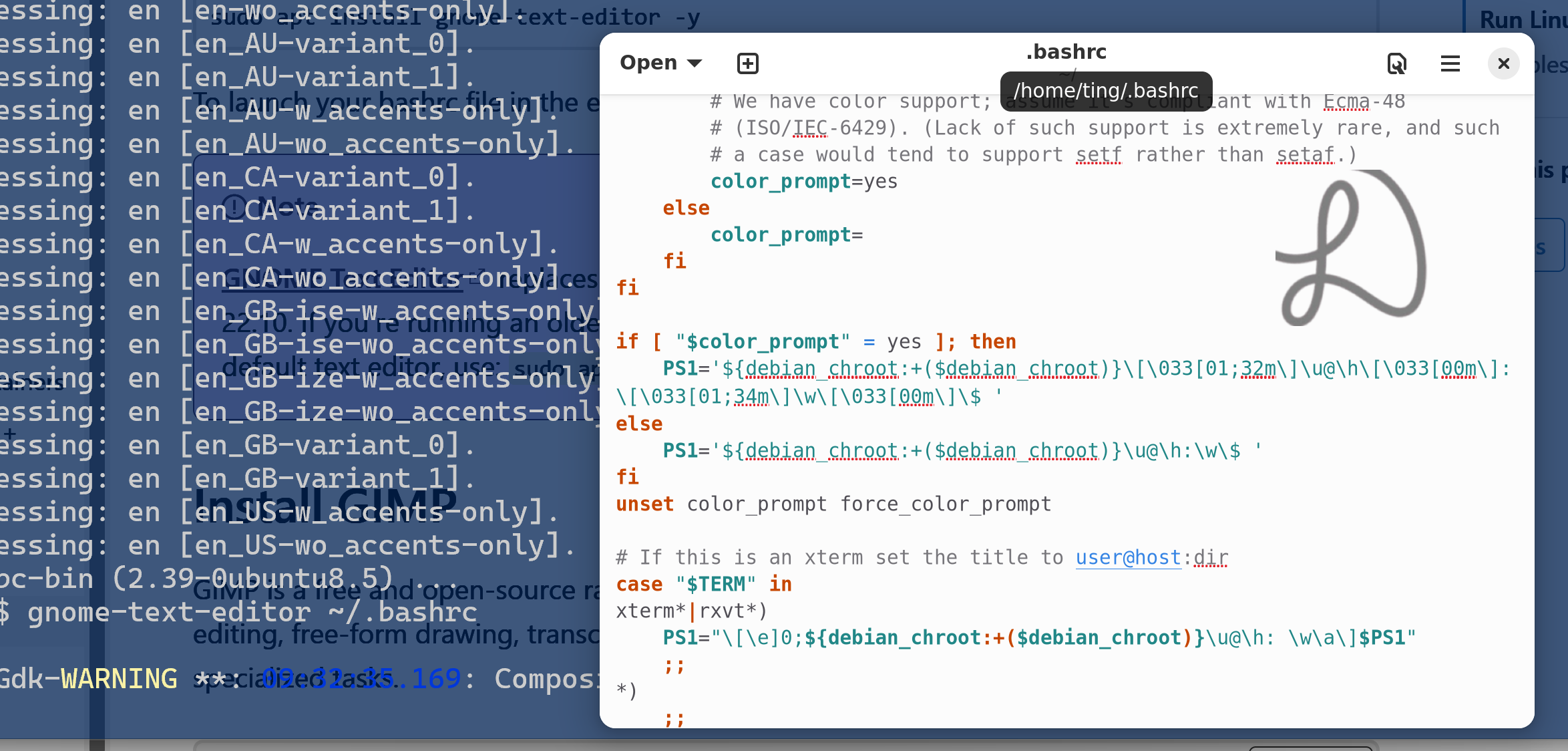
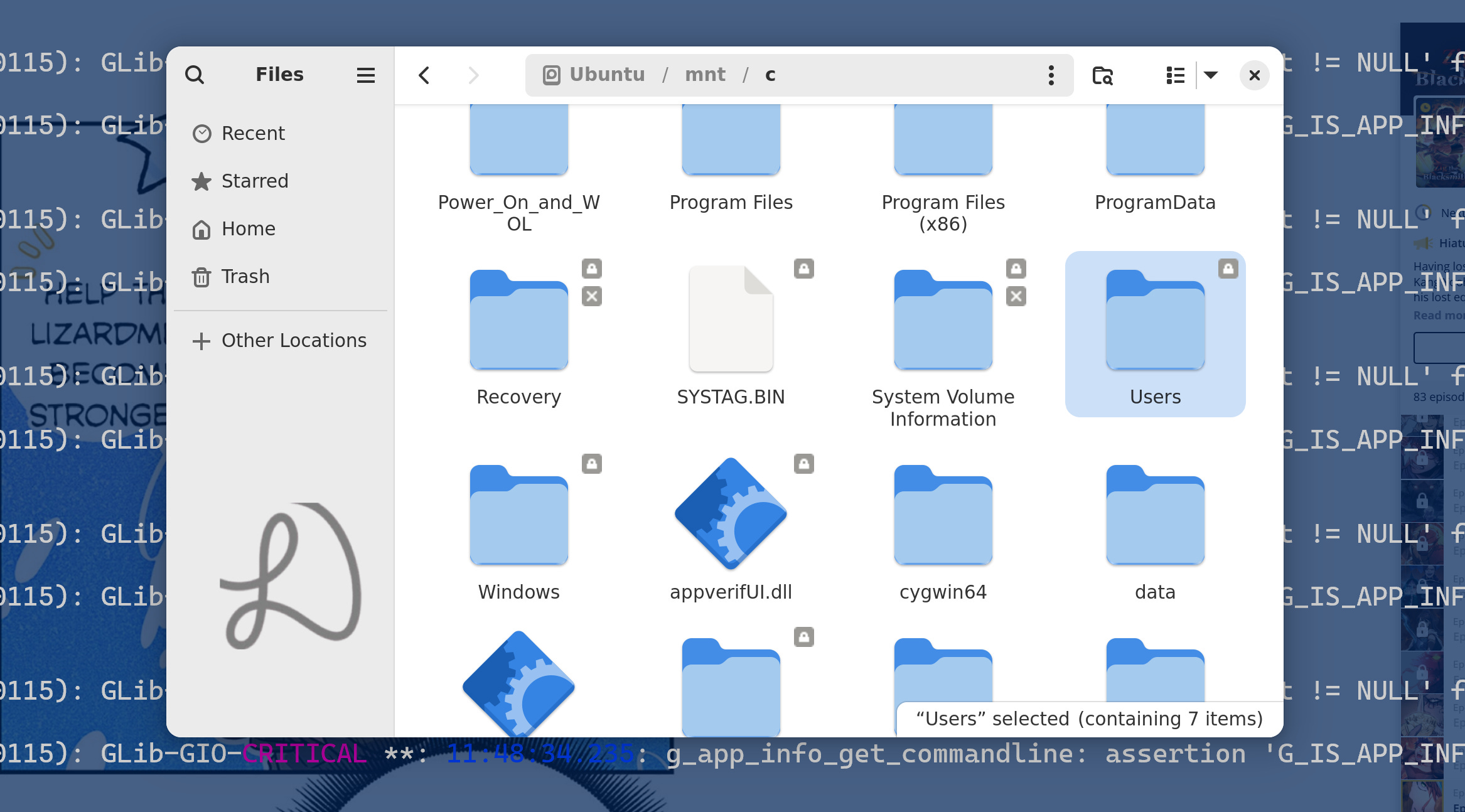
Some possible uses of WSL
Educational purposes including learning Linux commands Install and test command line frameworks and applications Edit documents and code with Vim
Here are some ideas for Linux terminal applications and utilities
How to install WSL and more?
Go here for the official site (recommended), the tutorial page is not too long.
Start PowerShell and type in wsl --install and enter. Restart the computer.
Once installed, start PowerShell again, type wsl and enter in the terminal to launch it.
Benefit of WSL from a personal perspective
An example is Nvim IDE. The setup of Nvim and its the environment as a coding IDE can be a challenge itself. With WSL, I can setup a pure Linux environment with C/C++ packages for Nvim.
Another possible use is to process files in the background with the efficient Linux terminal command line programs such as ffmpeg to compress non-critical videos.
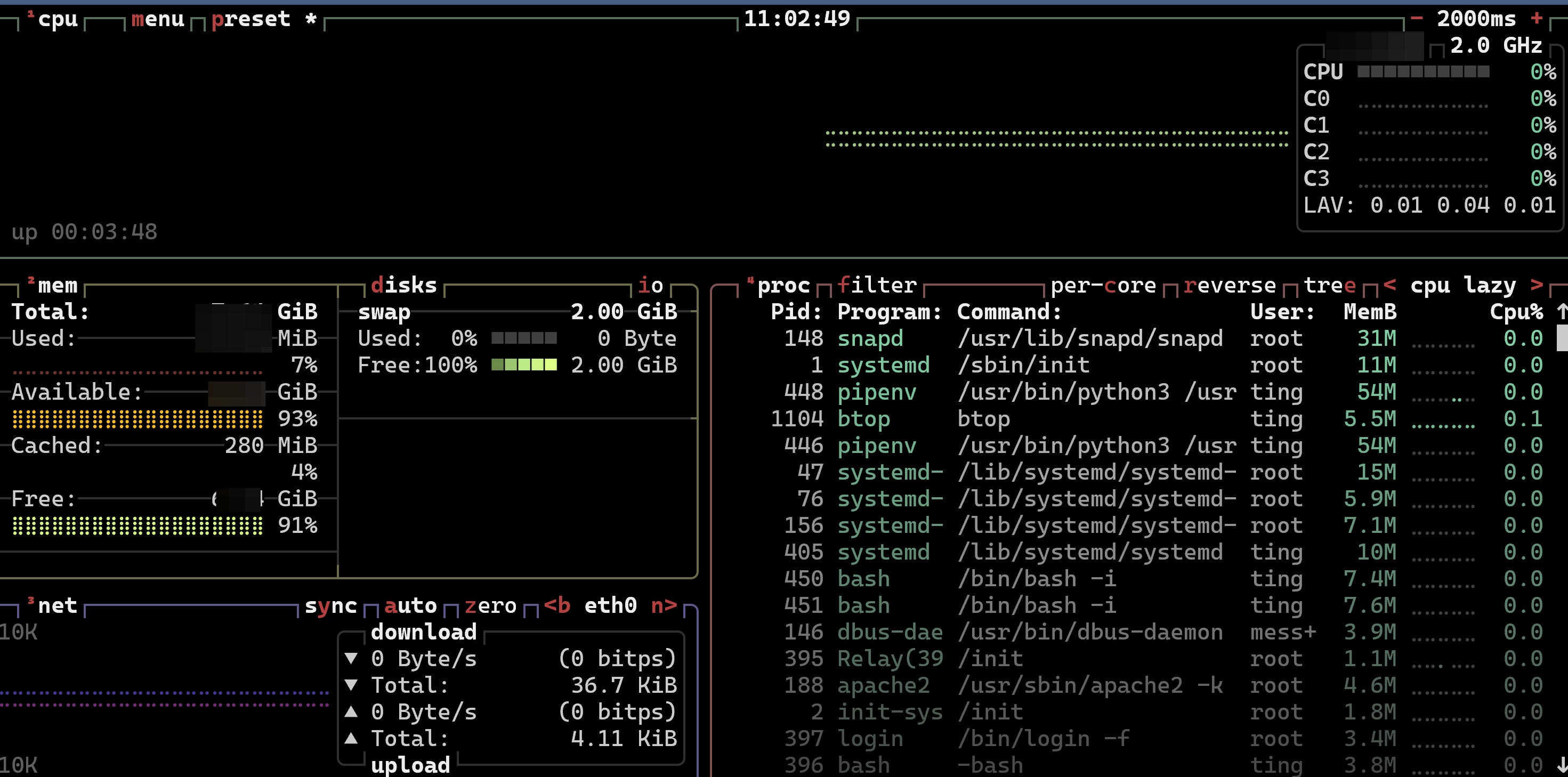
Learn basic Linux commands
If you are not familiar with Linux commands, watch this:
Or Basic Linux terminal commands and server administration.
Summary
Running Linux with WSL is a breeze for Windows users now.
Whether it is for testing or coding applications frameworks or other Linux terminal tasks, WSL has made it easier for Windows users to access the power of Linux terminal commands.
If you are a beginner to Linux server administration looking to deploy web apps and sites, you can may it WSL first.
WSL is just a tool, whether it can help you or not, do not be attached.
Learn or create something useful in WSL.
(●'◡'●)
More
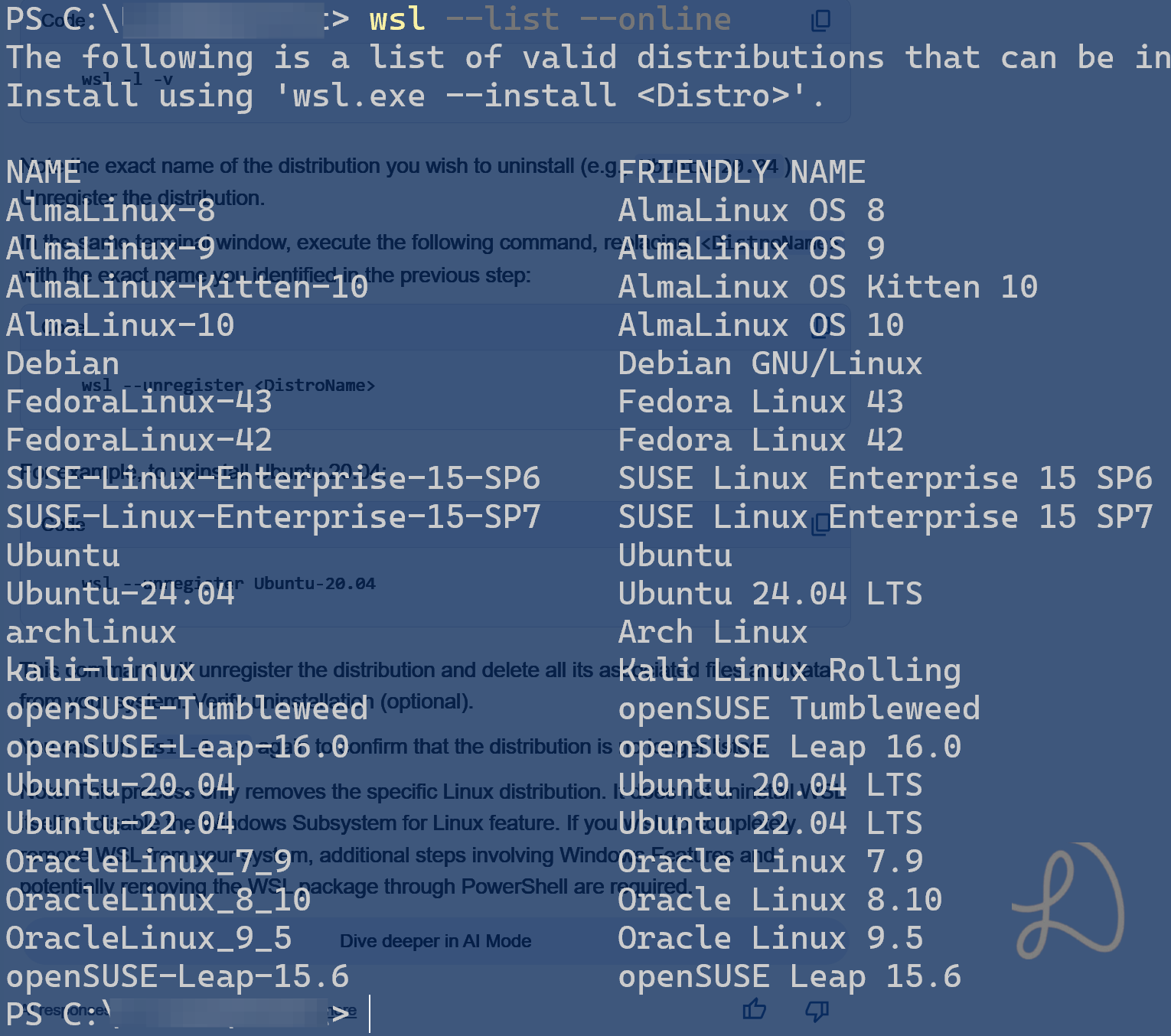
What are the available Linux distributions available under WSL?
We can get the latest list with wsl —list —online. The list may have expanded since the last I checked. In addition to Debian and Ubuntu, there is Fedora and Arch Linux (CachyOS) as well.
Is there a WSL Welcome Screen?
Access it with Windows key → WSL settings → Welcome to WSL