
Some Useful Linux Programs And Apps
For the curious beginners

This is by no means a comprehensive list of Linux programs (terminal command line) and apps (desktop applications) but some that I would like to share with others and remind myself from time to time.
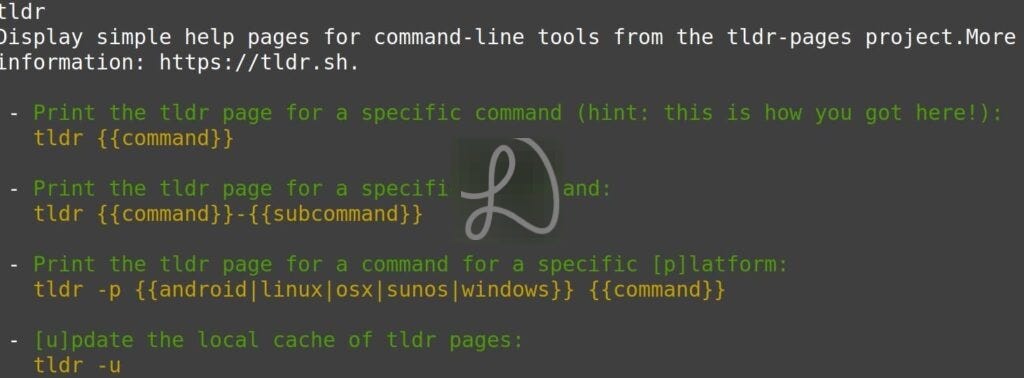
Install programs or commands (Debian/Ubuntu based systems): sudo apt install program-name e.g. tldr, transmission-cli, nmap, vim, etc.
10+ Useful Linux Programs
Download with
wget url-filename.wget -c url-filenamefor resume. Pause withCtrl-c.transmission-cli torrent-urlfor downloading torrentstldrprogram-name for popular commands usageVim (command line) is a superior editor with tons of plugins that can be found at Vimawesome. Nano (command line) can be a next free and simple alternative
nmapfor scanning LAN (Local Area Network) active IP addresses. For example to scan for active hosts and their names on a local network:nmap -sn 192.168.1.*sshto securely access another Linux system likessh user@192.168.1.xscp -r folder-name user@192.168.1.100to securely copy a folder over to another Linux systemping a site to check if internet or site is up or test if your internet connection is up e.g.
ping google.comtop, htop, btop, and screenfetchcan display system resources and informationfigletcan generate large Ascii banners with ordinary text
Useful Linux Apps
Here are some useful apps I use or came across worth mentioning.
Google Chrome with profile bookmarks syncing
Ghostwriter is a KDE text editor for markdown
XnView for multimedia viewer and Xnconvert for batch conversion and watermarking, and so on. Reviewed here.
SIGIL (GUI program to easily ePub format books) or Pandoc (command line universal document converter) for ePub book creation including Kindle. Related SIGIL posts here.
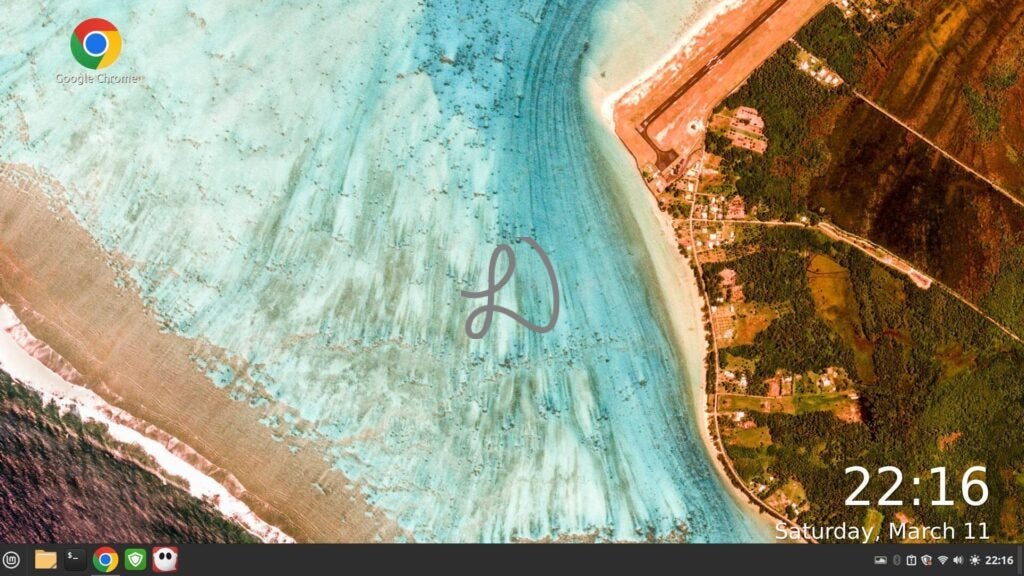
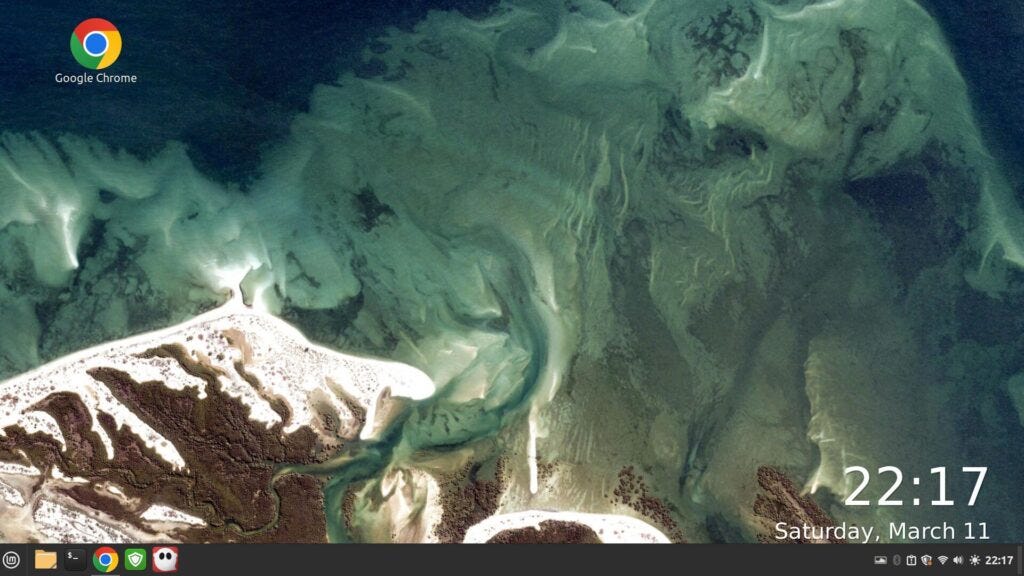
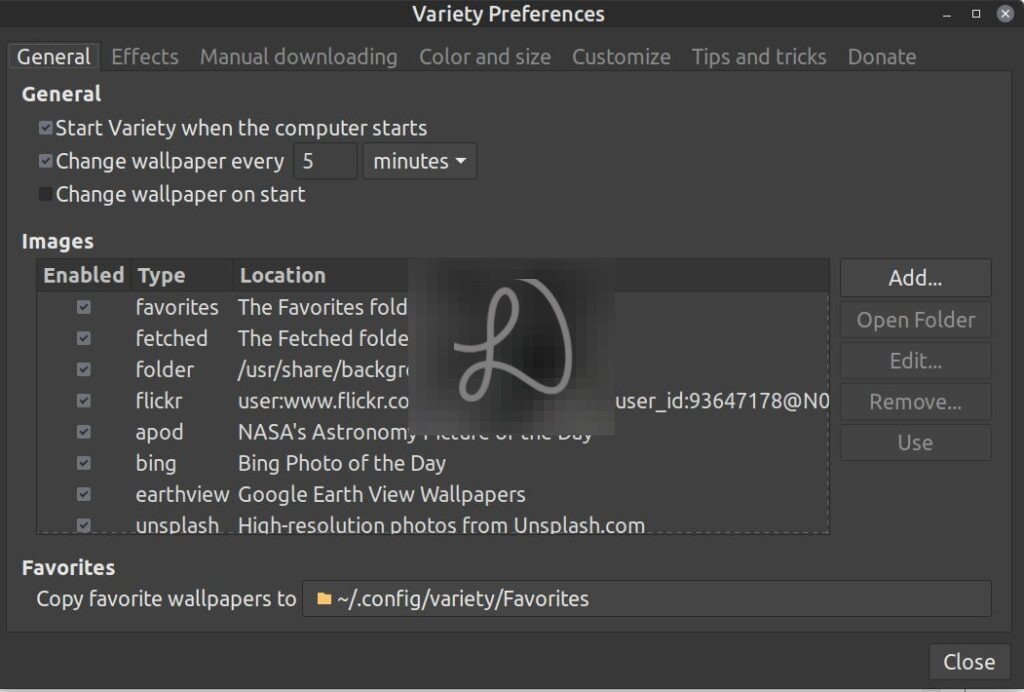
Variety for good and fresh desktop wallpapers solution with option for large time display
Handbrake is an excellent GUI alternative to FFMpeg
FFplay(command line) to play or display multimedia formatsImageMagick
VLC is a free multimedia player and streamer
Geany is a light and very popular programming lightweight IDE
Audacity is popular audio editor
Balena Etcher (app download from website launched from command line) is a reliable and easy pen drive ISO installation creator
Audacious is an advanced audio player
Filezilla is a popular secure FTP client for transferring files
Inkscape is a free vector-based drawing program
Blender is a fast and free 3D creation suite
Krita is a free painting program that supports most graphics tablets
Scribus is a powerful desktop publishing software that can output to PDF and PostScript
Soundconverter converts between audio formats
Ksnip is a screenshot tool with annotation features
How to install software in Linux?
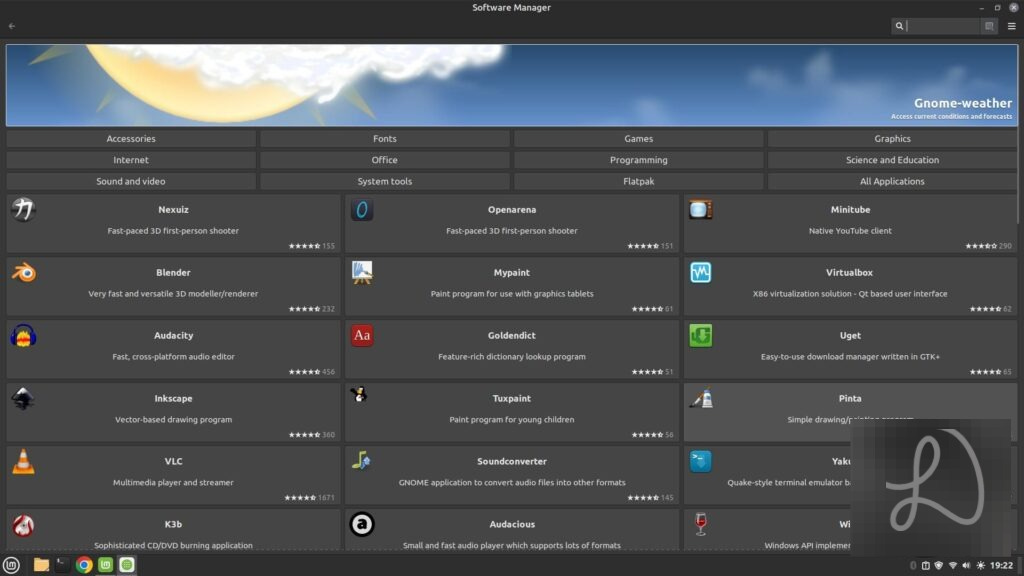
Look for the software manager in your Linux e.g. Software Manager in Linux Mint. Different Linux software managers may yield different search results.
Some Linux software may not installed via software managers. Some installation files may be deb packages, which can be easily installed with the Gdebi GUI program app.
Another popular way to install programs from the command line: $sudo apt install program-name
Some Useful Linux Tips
Create shortcuts to suspend and shutdown e.g. Keyboard->Shortcuts->System in Linux Mint
Create shortcuts to launch frequently used apps e.g. Launch browser at Keyboard->Shortcuts->Launchers in Linux Mint
Enlarge system fonts to e.g. 13 for easier reading
Update your system frequently
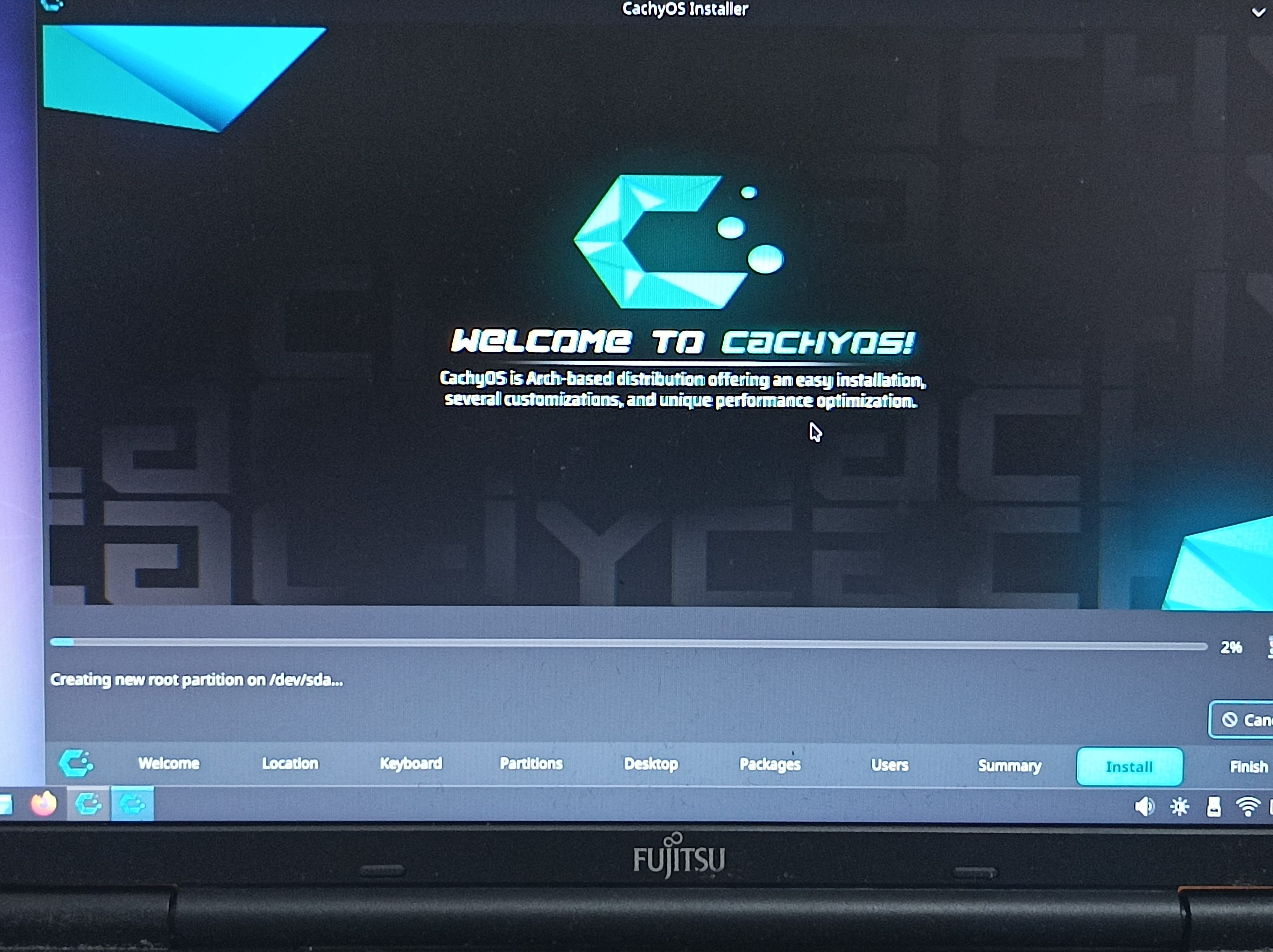
Get a good and stable Linux like CachyOS and Linux Mint, free from the hassles of much troubleshooting or instability
Add apps to Startup Applications with Super->Startup Applications
Desktop icons can be made larger with right-click on desktop and choose Customize
Keep 1 or 2 Linux installation USB flash drives around in case you need to re-install
Keep a monthly Timeshift snapshot backup. Include a daily one for intensive users
Current top Linux distribution recommendation?
Please read this CachyOS post.
Some words

Effective Linux use will also depend on what are your needs and apps. For example, I also use the browser to access a user-friendly online app for my graphics need instead of native Linux apps.
I recommend top Linux distributions such as CachyOS for stable long-term use.
Though I am by no means an advanced Linux command line user, but these are some of the useful commands and app I found useful and encountered in my regular Linux use.
( ノ ゚ー゚)ノ
More
Why do i need to scan for IP addresses or active hosts (with nmap) on a network?
Say you have a few computers on a network with dynamic IP addresses and you need to connect to them for administration and files storage backup purposes, nmap can be the quick and effective tool for that.
Why Variety for wallpapers changing?
Comprehensiveness. It has multiple options to source wallpapers from and yet it still works well without any or much configurations at all. I also like option for large time display overlay on the wallpaper. By default, users get a refreshing new quality wallpaper change every 5 minutes.
How to shutdown, suspend or reboot Linux from command line?
sudo shutdown -h now
sudo systemctl suspend
sudo shutdown -r now
How to compress images and videos on Linux?
ImageMagick for images and FFMpeg for videos (Handbrake GUI) are excellent choices.